
This article is part of our complete guide: The Small Business Owner’s Complete Guide to Social Media Strategy: Plan, Create & Publish Content That Grows Your Brand.
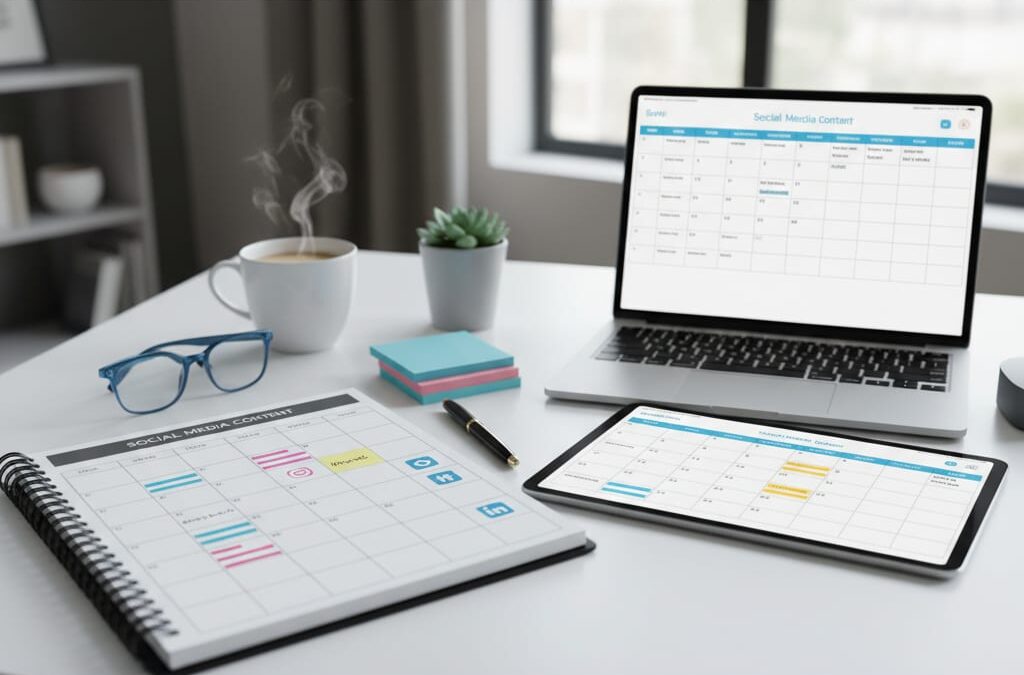
How to Create a Social Media Content Calendar That Keeps Your Small Business Posting Consistently
If you’ve ever opened Instagram on a Tuesday morning, realised you have nothing scheduled, and then panic-posted a blurry product photo with a caption you wrote in 30 seconds — this article is for you.
Posting consistently is one of the hardest parts of social media for small businesses. Not because the ideas aren’t there, but because there’s no system. A social media content calendar fixes that. It turns “we’ll post when we remember” into a repeatable process that actually builds an audience.
Here’s how to build one that works — without needing a full marketing team to maintain it.
—
What a Content Calendar Actually Is (and Isn’t)
A content calendar is simply a plan that tells you what you’re posting, where you’re posting it, and when. That’s it.
It’s not a rigid document that locks you into posts you wrote six weeks ago. And it’s not a spreadsheet with 47 colour-coded columns that takes three hours to update. If your calendar is more work than the posting itself, it’s broken.
A good content calendar for a small business should answer three questions at a glance:
- What goes out this week?
- Which platform is it going on?
- Who’s responsible for getting it live?
For most small businesses, a two-to-four week rolling calendar is the sweet spot. Far enough ahead to feel organised, close enough to stay relevant.
—
Step 1: Decide How Often You’re Actually Going to Post
Before you plan any content, be honest about your capacity. A lot of small business owners aim for daily posts on five platforms and burn out within two weeks.
Here’s a realistic starting point based on team size:
- Solo operator: 3 posts per week on 1-2 platforms
- Small team (2-5 people): 4-5 posts per week across 2-3 platforms
- With a scheduling tool: You can realistically manage daily posting across 3+ platforms once you have a workflow in place
Pick a frequency you can hold for three months straight — not the one that sounds most impressive. Consistency beats volume every time. An account that posts four times a week without fail will outperform one that posts daily for two weeks, disappears for a month, and starts over.
Once you know your posting frequency, block those slots into your calendar first. You’re building a publishing schedule, not just a list of ideas.
—
Step 2: Build a Simple Content Mix
One of the fastest ways to run out of ideas is to treat every post as a blank page. Instead, create a repeating content mix — a small set of post types that rotate through your calendar.
A practical mix for a small business might look like this:
- 40% educational or helpful content — tips, how-tos, quick facts relevant to your industry
- 30% promotional content — products, services, offers, and what you sell
- 20% behind-the-scenes or personality content — the people, process, and story behind your business
- 10% curated or shared content — relevant articles, customer posts, industry news
Give each type a label. Then map those labels into your posting slots for the week. Monday might always be a tip post. Wednesday is promotional. Friday is behind-the-scenes. Now you’re not starting from scratch every week — you just need to fill in the blanks.
This is also where AI content creation tools save you real time. Tools like Feedalpha can generate post ideas and draft captions based on your industry and tone, so those blank slots get filled in minutes rather than hours.
—
Step 3: Plan Your Content in Batches
Trying to create content daily is exhausting and inconsistent. Batching — writing and scheduling a week or two of content in one sitting — is how small businesses maintain brand consistency without burning out.
Set aside a fixed block of time each week or fortnight. Two hours on a Monday morning, for example. In that session, you:
1. Review upcoming dates, promotions, or events worth posting about 2. Fill in your content slots using your content mix as a guide 3. Write captions and gather or create any images or graphics 4. Schedule everything using a social media scheduling tool
Once it’s scheduled, it goes out automatically. You’re not manually posting at 9am every day or scrambling on a Saturday because you forgot.
If you’re working with even one other person — a VA, a part-time social media manager, or a business partner — a shared content calendar also gives you a place to review and approve posts before they go live. That’s how you keep your messaging consistent even when multiple people are contributing.
—
Step 4: Review What’s Working and Adjust
A content calendar isn’t a set-and-forget document. Once a month, spend 20-30 minutes looking at your social media analytics to see which posts actually landed.
You don’t need to analyse everything. Focus on a few simple questions:
- Which three posts got the most engagement this month?
- Which post type performed best — educational, promotional, or behind-the-scenes?
- Did any platform significantly outperform the others?
Take what’s working and do more of it. If your how-to posts consistently outperform your product photos, shift your content mix. If LinkedIn is driving more traffic than Instagram, consider whether you’re putting enough effort there.
This is where a lot of small businesses leave results on the table. They post content, see it disappear into the void, and assume social media doesn’t work — when really they just haven’t found their format yet. Small adjustments, made consistently over three to six months, compound into real growth.
—
The Simplest Way to Stay Consistent Long-Term
The businesses that win on social media aren’t the ones with the biggest budgets or the most creative posts. They’re the ones that show up reliably, give their audience something useful, and keep going when it feels like no one’s watching.
A social media content calendar for small business gives you the structure to do exactly that. Start with a realistic posting frequency, build a repeatable content mix, batch your creation, and schedule everything in advance. Then review and improve monthly.
Feedalpha is built to make this whole process faster — from generating content ideas with AI to scheduling posts across multiple platforms in one place. If you want to see how it fits into your workflow, start a free trial here.
And if you want the bigger picture — how to build a complete social media strategy for your small business, not just a calendar — check out our pillar guide: The Small Business Owner’s Complete Guide to Social Media Strategy: How to Plan, Create, and Publish Content That Actually Grows Your Brand.