
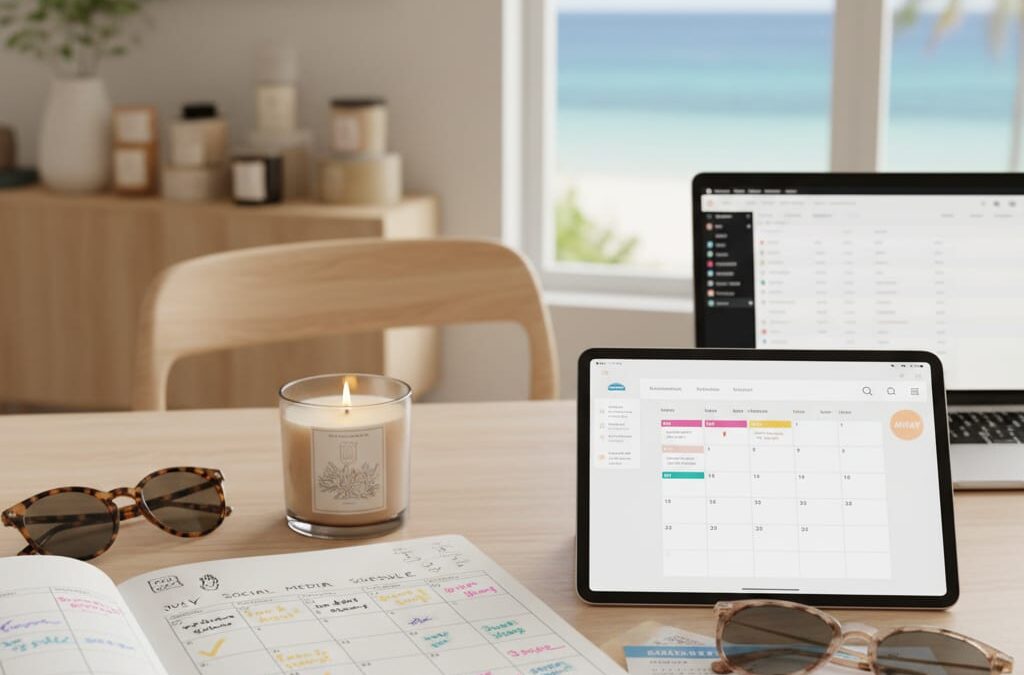
The Social Media Schedule That Survived a Founder’s Two-Week Holiday (Without Anyone Panicking)
Sarah runs a boutique candle brand with a team of two. She is the founder, the marketing department, and the person who panics every time she opens Instagram on a Sunday. Last summer, she took her first proper holiday in three years – fourteen days, phone mostly off. Her social media didn’t miss a beat.
Here is exactly how she did it, and how you can copy it.
—
Why Is the Founder Always the Social Media Bottleneck?
Most small business owners are the single point of failure for their own social media – because they never built a system that works without them.
It is not a time management problem. It is a structure problem. When posts live in your head, approvals happen in WhatsApp threads, and scheduling means logging in manually each morning, of course everything stops the moment you step away.
The fix is not hiring a social media manager. It is building a process that runs whether you are at your desk or on a beach in Portugal.
—
How Do You Plan a Month of Content in One Sitting?
You can map out 30 days of posts in roughly two hours if you start with a content calendar template and use AI to fill the gaps.
Sarah spent an afternoon in the two weeks before her holiday doing the following:
- She listed every product, promotion, and seasonal moment happening in July – four product launches, one sale weekend, two “behind the scenes” themes.
- She used Feedalpha’s AI content creation tool to generate caption drafts for each post. Instead of staring at a blank screen, she was editing and approving.
- She assigned each post a date, a platform (Instagram, Facebook, and Pinterest), and a format – static image, carousel, or short video clip she had already filmed.
The result was 28 posts, fully written, matched to assets, and ready to review. Total time: about two hours of focused work across two sessions.
The key shift: she stopped thinking “what do I post today?” and started thinking “what does this month need to say?”
—
How Do You Keep Posting Consistent When Nobody Is Watching?
Consistent posting while you are offline comes down to one thing: scheduled publishing that does not need you to press send.
This is where a tool like Feedalpha earns its keep. Once Sarah had her posts drafted and assets uploaded, she scheduled everything through the platform – specific dates, specific times, across all three channels simultaneously. Multi-platform publishing meant one action, not three logins.
She also set her best posting windows based on her audience data. Her Instagram followers engaged most between 7pm and 9pm. Her Facebook audience responded better to lunchtime posts. Feedalpha’s scheduling let her match content to those windows without guessing.
From holiday day one to day fourteen, posts went out on schedule. No one had to log in. No one panicked.
—
What Happens If Something Needs Changing Last Minute?
Give a trusted team member – or even a part-time VA – edit access, and most last-minute problems become a five-minute fix rather than a crisis.
Sarah gave her business partner view and edit access to the content calendar before she left. If a product sold out and needed pulling, her partner could log in, find the post, and either edit or reschedule it in under five minutes – no digging through email chains, no guessing which file was the right one.
Team collaboration features matter here. A shared content calendar with clear post statuses (draft, approved, scheduled, published) means anyone covering for you knows exactly what is live, what is coming, and what needs attention. No tribal knowledge required.
—
Frequently Asked Questions
How far in advance should a small business schedule social media posts? Two to four weeks is a practical sweet spot. It gives you enough lead time to plan around promotions and seasonal moments without your content feeling stale or disconnected from what is happening in your business.
Can AI really write social media captions that sound like my brand? Yes, with some direction. Tools like Feedalpha’s AI content creation use prompts you set – including your tone, product details, and audience – to generate drafts. You still edit and approve, but you start from something instead of nothing, which cuts writing time significantly.
What if I only have one person managing social media? Then a solid content calendar and a scheduling tool are not optional – they are essential. One person cannot be manually posting every day indefinitely. Automation handles the publishing; your person focuses on strategy and engagement.
Does scheduling posts hurt your reach on Instagram or Facebook? No. Both platforms have confirmed that third-party scheduling tools do not negatively affect organic reach. What hurts reach is inconsistency – posting sporadically is far more damaging than scheduling in advance.
How do I know if my scheduled posts actually worked? Check your social media analytics after the period ends. Look at reach, engagement rate, and follower growth across the two weeks. If those numbers held or improved while you were away, your system is working.
—
The Real Takeaway
Sarah came back from fourteen days offline to an Instagram that had grown by 312 followers and a Facebook page with its highest engagement month of the year. Not because she worked harder – because she built a system that worked without her.
That is what AI social media automation actually means for a small business: not robots replacing your voice, but a process that keeps your brand showing up even when you need to step back.
You can build that system in an afternoon. Feedalpha is a good place to start.